Why Your Large-Format Signage Looks Blurry (And the 300 DPI Myth)
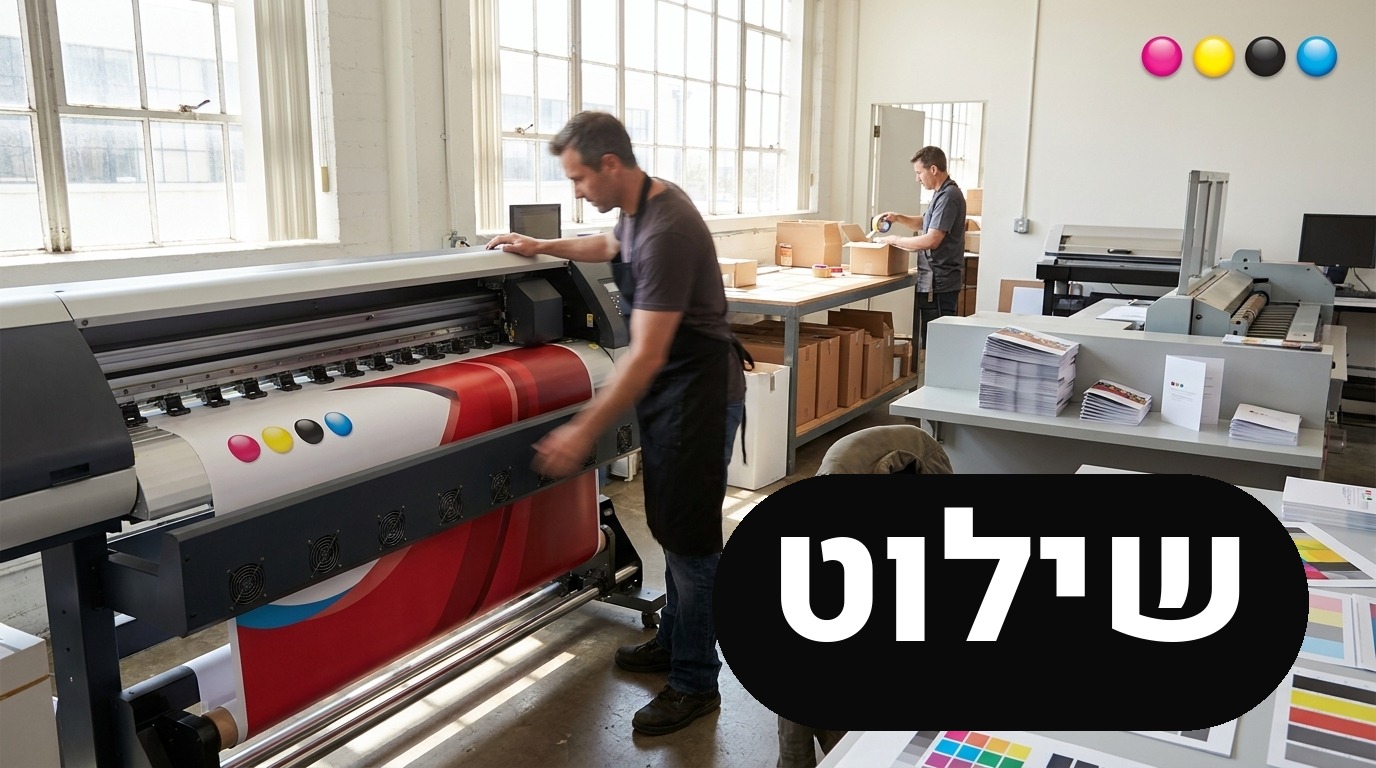
The 300 DPI Trap: Why More Pixels Ruin Large-Format Signs
As a print provider, I see the same mistake week after week: graphic designers submitting a multi-gigabyte file for a storefront sign because they believe the "300 DPI rule" is an absolute law. While 300 dots per inch is essential for close-up items like hand-held flyers, forcing this resolution on a massive sign is a critical error. It results in bloated files that crash processing software, stall print queues, and offer absolutely zero visual improvement.
Print resolution must scale with physical viewing distance. When a sign is mounted on a building in Tel Aviv-Yafo and viewed from across the street, the human eye cannot distinguish individual ink dots.
For a billboard viewed from 50 feet away, a file set at a mere 15 DPI looks perfectly sharp to passersby. For a standard storefront sign viewed from a sidewalk distance of 10 feet (about 3 meters), 60 DPI is the technical sweet spot. Demanding 300 DPI for large-format prints is a waste of processing time and computer memory.
Selecting the Right Substrate: A Technical Guide
Choosing the physical material for your sign is just as vital as setting the digital file parameters. Our clients frequently ask us to compare Aluminum Composite Material (ACM) against Polyvinyl Chloride (PVC) foam boards.
To get the best return on investment, you must select your substrate based on temperature swings, UV exposure, and wind load. Here is a direct technical comparison of the three most popular rigid substrates used in the print industry:
| Substrate Material | Standard Thickness | Outdoor Lifespan | Best Applications | Core Structural Behavior |
|---|---|---|---|---|
| Aluminum Composite Panel (ACP) | 3mm to 4mm | 10 to 20+ years | Exterior shop fronts, building signs, permanent directional displays | Polyethylene core sandwiched between two aluminum sheets; completely warp-resistant and rustproof. |
| PVC Foam Board | 3mm to 10mm | 1 to 3 years (outdoors) | Indoor retail menus, trade show booths, short-term promotional signs | Foamed polyvinyl chloride; highly lightweight but bends and warps under intense outdoor heat. |
| Acrylic (Plexiglass) | 3mm to 6mm | 5 to 10+ years | Premium corporate logos, hotel signs, illuminated lightboxes | Rigid thermoplastic; provides a high-gloss, glass-like premium finish but is brittle under heavy impact. |
If you are installing a permanent storefront sign exposed to the harsh elements, ACP is the only professional option. PVC foam boards are excellent for indoor retail displays but will bow and warp when subjected to direct summer sunlight.
Vector vs. Raster: The Ultimate Signage Formula
The easiest way to bypass DPI calculations entirely is to design your signs using vector mathematics rather than raster pixels. Logotypes, text layers, and brand graphics should always be kept in vector formats (such as SVG or PDF). Because vector paths are calculated mathematically, they scale infinitely from a tiny screen to a giant building wrap without losing a single ounce of clarity.
At B2CPrint, our systems allow print shop owners to offer web storefronts where customers can instantly design or upload their graphics. Our platform handles everything from complex bulk corporate orders to a dedicated דפוס מוצרים מותאמים אישית system, a specialized פלטפורמת דפוס לתמונות אישיות for high-resolution canvas prints, and a smooth workflow for דפוס לכרטיסי ביקור מעוצבים. Keeping your client-facing tools intuitive ensures that bad file setups never make it to the production queue, saving hours of manual prepress work.
For print shops looking to scale, offering automated preflight checks on your online portal is a game changer. When you switch to a modern Print On Demand workflow, your backend system should automatically convert and flag file resolution discrepancies before the customer finishes checkout. This not only minimizes waste but radically speeds up turnaround times.
FAQ
What is the recommended DPI for outdoor signs?
For large outdoor signs viewed from about 10 feet away, a resolution of 60 DPI is optimal. Forcing a 300 DPI setting on massive signs only creates bloated files that cause system crashes without improving visual quality.
Why are vector files preferred over raster images for rigid signs?
Vector files allow artwork to scale infinitely without losing sharpness, making them perfect for rigid substrates like Aluminum Composite Panels. Raster images often become pixelated when enlarged and result in massive file sizes.
How does B2CPrint solve prepress file issues?
The B2CPrint Web to Print platform automatically handles technical prepress checks for print shops, ensuring files have the correct resolution and formatting before they ever reach the print queue.
Does viewing distance affect the required image resolution?
Yes, because the human eye cannot distinguish individual ink dots from a distance. Signs meant to be viewed from further away require significantly lower DPI than items held in your hand.